Why Your Router Falls Short
Consumer-grade Wi-Fi routers are designed to deliver straightforward functionality: a basic firewall, consistent wireless coverage, and fast Ethernet ports for wired devices. They serve the average household well for everyday tasks like browsing, streaming, and gaming. However, they often lock you out of advanced configuration options. You typically cannot set up granular traffic shaping, run custom VPNs, or filter content beyond parental controls. This limitation becomes frustrating when you want to optimize performance, enhance security, or tailor your network to specific needs.
Common Limitations of Stock Router Firmware
- Minimal monitoring: Most routers provide only basic traffic logs, making it hard to see which devices are using the most bandwidth.
- Weak ad blocking: Built-in filters are often incomplete or require paid subscriptions.
- No VPN server: You cannot easily host a VPN to access your home network remotely or secure public Wi-Fi connections.
- Limited QoS: Quality of Service settings are often too simplistic to prioritize different types of traffic effectively.
These gaps are exactly where a small, low-cost single-board computer can step in and transform your network experience.
The $15 Upgrade That Changes Everything
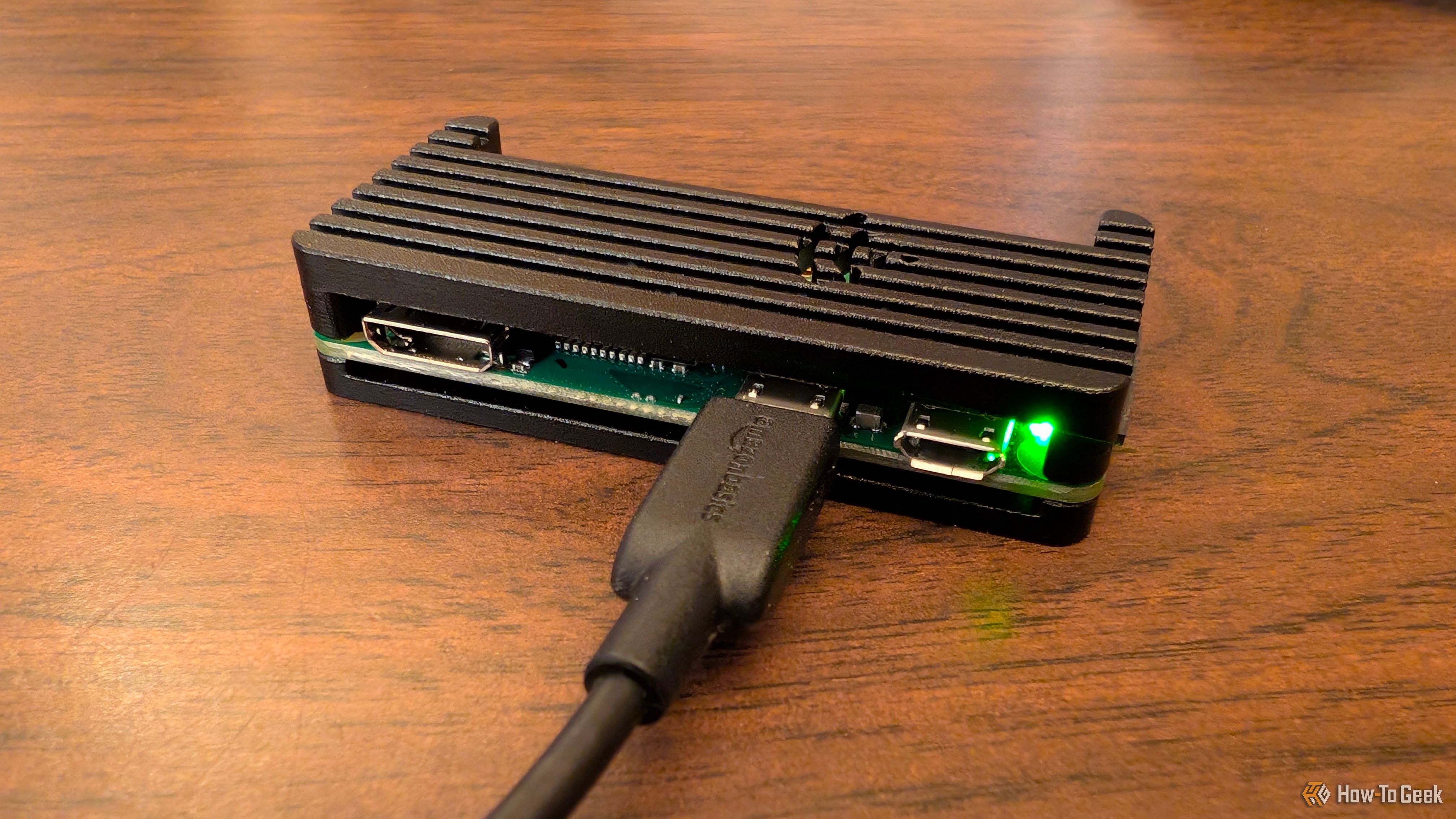
A Raspberry Pi, particularly the Raspberry Pi Zero W model, costs around $15 and consumes very little power. Despite its modest price tag, it packs enough processing power to run sophisticated network software. By connecting it to your existing router and installing the right tools, you can add features that typically cost hundreds of dollars in enterprise equipment.
The key is to use the Pi as a dedicated network appliance—not as a replacement for your router, but as a complement. For example, you can set it up as a Pi-hole to block ads network-wide, a VPN server for secure remote access, or a traffic monitoring station using tools like ntopng or Darkstat.
What You Can Achieve
- Network-wide ad blocking – Pi-hole filters out ads and tracking domains for every device on your network, reducing data usage and speeding up page loads.
- Custom DNS filtering – Beyond ads, you can block malware sites, adult content, or specific services.
- VPN server – With OpenVPN or WireGuard, you can securely connect to your home network from anywhere, access files, or stream content as if you were at home.
- Traffic monitoring and bandwidth graphs – See exactly which devices are using your internet connection and how much data they consume.
These features are usually missing from consumer routers, but a Raspberry Pi can provide them with minimal effort and cost.
How to Set Up Your Raspberry Pi Network Upgrade
Getting started requires a few simple steps. The exact process depends on which software you choose, but the overall approach is consistent.
- Hardware needed: Raspberry Pi (any model, but Pi Zero W is cheapest at $15), microSD card (8 GB or larger), power supply, and an Ethernet cable if you opt for wired connectivity (Wi-Fi can also be used).
- Install an OS: Raspberry Pi OS Lite (headless) is recommended for network tasks. Flash it to the microSD card using Raspberry Pi Imager or similar tool.
- Connect and configure: Plug the Pi into your router via Ethernet, power it on, and SSH into it. Enable SSH during OS setup or by adding a
sshfile to the boot partition. - Install your chosen software: For Pi-hole, run the automated installer script. For a VPN server, install OpenVPN or WireGuard and generate configuration files.
- Adjust router settings: To make the Pi handle DNS (e.g., Pi-hole), change your router's DNS settings to point to the Pi's IP address. For a VPN server, forward the necessary ports.
Detailed guides for each tool are widely available online, and the community around these projects is very active.

Why Spend $15 to Upgrade?
A dedicated Raspberry Pi offers several advantages over trying to flash custom firmware on your existing router:
- No risk of bricking: Flashing a router with third-party firmware can void warranties or permanently damage the device. A separate Pi avoids this risk entirely.
- Easy experimentation: You can swap software on the Pi without affecting your main network connectivity. Try Pi-hole one week, a VPN server the next, or run both simultaneously.
- Low power consumption: The Pi Zero W draws about 0.5 watts, costing less than a dollar per year to run continuously.
- Educational value: Setting up and managing a network appliance teaches valuable skills in Linux, networking, and security.
For just $15, you can unlock features that would otherwise require expensive hardware or complex configuration. It's a small investment that pays for itself in improved privacy, control, and peace of mind.
Taking Control of Your Digital Gateway
Your home router serves as the gateway to the internet, but it doesn't have to limit you. By adding a Raspberry Pi to your network, you gain the ability to shape, monitor, and secure your connection in ways that stock consumer routers simply cannot match. Whether you're blocking annoying ads, setting up a personal VPN, or simply understanding your network traffic better, this $15 upgrade gives you the power of a custom-built network appliance. It's a practical, low-risk way to take your home network from basic to brilliant.