The Illusion of Safety in Cloud Sync Services
Many professionals and casual users alike treat Google Drive, Dropbox, and similar cloud storage services as their primary backup solution. You drag a file into a folder, it syncs to the cloud, and you feel secure. But this convenience masks a critical gap: sync is not backup. A true backup protects you from accidental deletion, ransomware, sync errors, and hardware failure. The widely respected 3-2-1 rule remains the gold standard for data protection, and Google Drive alone cannot fulfill it.
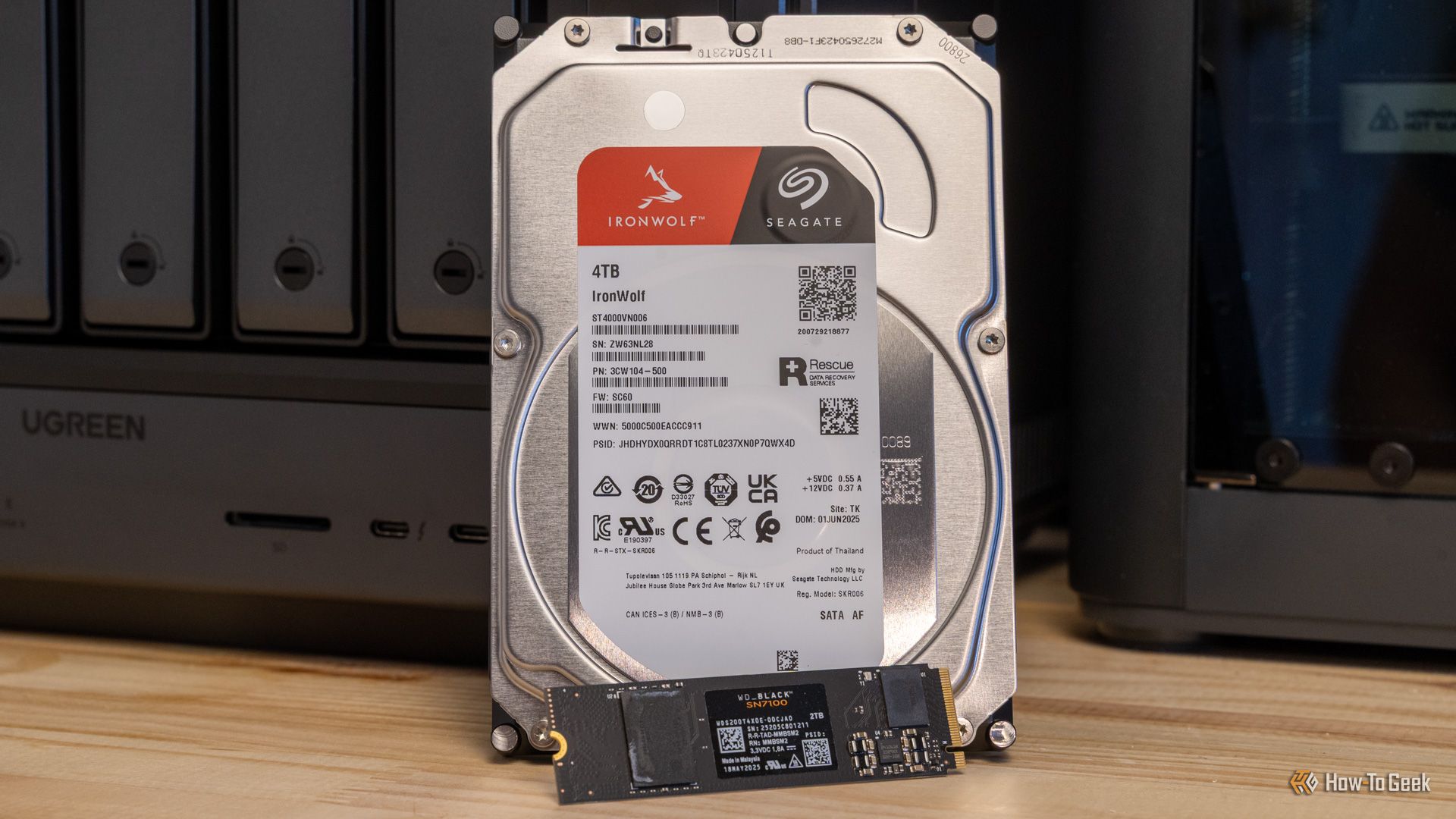
The 3-2-1 Backup Rule: A Quick Refresher
First articulated by photographer Peter Krogh and now gospel in IT circles, the rule states:
- 3 copies of your data,
- on 2 different media types,
- with 1 copy stored offsite.
This approach guards against a single point of failure. One copy sits on your desktop; another on an external drive; a third in the cloud or at a family member’s house. Even if ransomware encrypts your main PC or a fire destroys your home, the offsite copy survives.
Why Google Drive Isn’t a Backup
Google Drive is a synchronization service, not a backup service. When you delete a file on your computer, it vanishes from Drive after 30 days (or less if you empty the trash). A ransomware attack that encrypts your local files will replicate the encrypted versions to Drive, overwriting clean copies. The same applies to accidental edits or folder reorganizations. Google Drive’s version history is limited and does not offer point-in-time recovery in the sense a true backup tool does.
The Sync vs. Backup Confusion
Many users mistakenly believe that because their files exist in the cloud, they are safe. In reality, sync services aim for consistency across devices, not archival preservation. A backup solution, on the other hand, creates independent snapshots of your data at chosen intervals, allowing you to roll back to a clean state before corruption occurred.
For example: if you accidentally delete an important presentation and empty Drive’s trash, Google Support states that recovery is “typically not possible.” With a proper backup tool, you could restore that file from yesterday’s backup – even if it had been deleted from the sync folder.
What a Real Backup Strategy Looks Like
A robust backup strategy combines local backups for speed with cloud backups for offsite resilience. Consider this three‑layer approach:
- Local external drive – Use software like Macrium Reflect (Windows) or Carbon Copy Cloner (macOS) to create full disk images weekly and incremental backups daily.
- Cloud backup service – Services like Backblaze, iDrive, or Acronis perform continuous backup to their servers, encrypting your data and retaining deleted files for 30 days or longer. Unlike Drive, they are designed to restore from any point in time.
- Offline or second offsite copy – For critical files, store a third copy on a disconnected hard drive or a cloud provider different from your sync service. This protects against a ransomware attack that may encrypt attached drives.
Common Pitfalls to Avoid
- Treating Google Drive as your only backup: It fails the 3-2-1 rule because all copies are on the same media (cloud) and cannot be restored independently if the service is compromised.
- Ignoring ransomware protection: Sync services happily synchronize encrypted files. A backup service that supports versioning or immutable backups can thwart ransomware.
- Forgetting to test restores: A backup you never test is a wish. Perform a restore drill at least once a quarter to ensure your data and recovery process work.
Making Google Drive Part of a Balanced Approach
This doesn’t mean you should abandon Google Drive. It’s excellent for collaboration, file sharing, and mobile access. But treat it as a convenience layer, not a safety net. Pair it with a dedicated backup solution that adheres to the 3-2-1 rule. An easy start: use Drive for syncing and, for example, Backblaze for automatic cloud backup. That way, you get the best of both worlds – instant access and real recoverability.

Final Thoughts
Data loss happens to everyone; it’s not a matter of if but when. By understanding the difference between sync and backup, you can avoid the false sense of security that services like Google Drive provide. Implement a proper backup strategy today, and you’ll thank yourself tomorrow – or after the next ransomware wave.
This article is part of our ongoing series on data protection. Learn more about building a resilient backup plan.